






















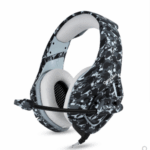
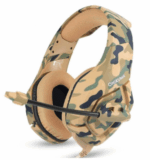
Description:
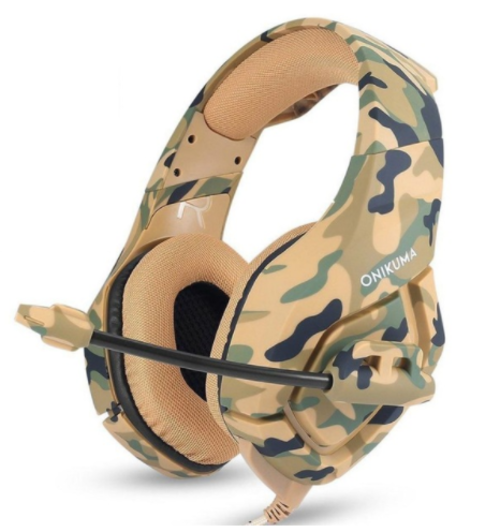
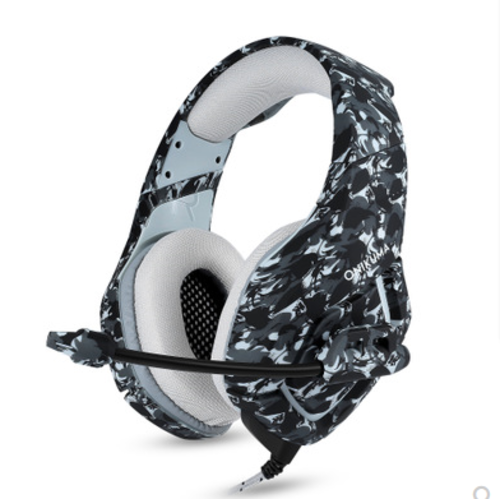
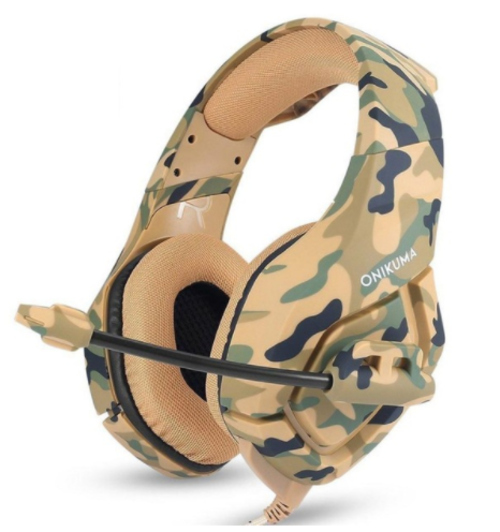
1. Perfect Sound: High precision 50mm driver, bring you vivid sound field, sound clarity, sound shock feeling, capable of various games.
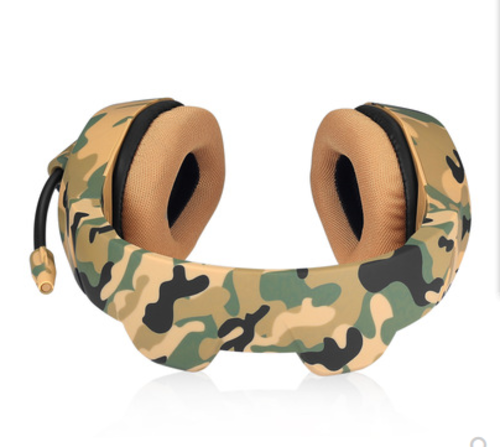
2. Comfortable to wear: This gaming headphone uses super soft Over-ear pads, which is more comfortable for long time wear, and it is a great headphone for game players.
3. Durable and Noise Reduction Microphone: The long flexible gaming mic is high sensitive and durable. Multifunctional in-line Remote Control for sound and Mic.
4. Superior Compatibility: Fits for most of the device with a 3.5mm headphone/microphone port. It is suitable for computer, laptop. For PS4, new Xbox one, mobile phone, iPhone, iPad, mp3, mp4, the 2 to 1 splitter line is needed.
5. Cool Unique LED light: Glaring LED lights are designed on the earcups, highlighting the atmosphere of the game. Risk- free for 12 months Limited Guarantee! Please feel free to contact us if there are any product problems.
Specifications:
Speaker diameter: 50mm
Impedance: 20ohm±15%
Sensitivity: 117dB±3dB
Frequency: 20-20000Hz
Mic dimension: 6.0 * 2.7mm
Mic sensitivity: -36dB +/- 1dB
Mic impedance: 2.2kohm
Directivity: Omni-directional
LED working voltage: DC5V +/- 5%
Working current: Below 100mA
Headset interface: USB (plug the USB connector, LED light is on, unplug for off) + 3.5mm stereo audio and mic plug
Cable length: Approx. 2.2m / 7.22ft
Headphone size: Approx. 22 * 9 * 20cm / 8.66* 3.54 * 7.87in
Headphone weight: 372g / 0.82Lbs
Package size: 23.2 * 10.3 * 21cm / 9.13 * 4.06 * 8.27in
Package weight: 512g / 1.13Lbs
PS4 Setting:
1. Before applying the headset on your PS4, please test it with your cellphone to ensure it functions well.
2. Insert the headset own 3.5mm jack plug into the Gamepad, then long-press the PS button or enter the system Settings.
3. There is a peripheral machine, choose „Adjust Sound and Devices“, „output to the headphones“, then change it to „all audio „.
Rezensionen
Es gibt noch keine Rezensionen.